
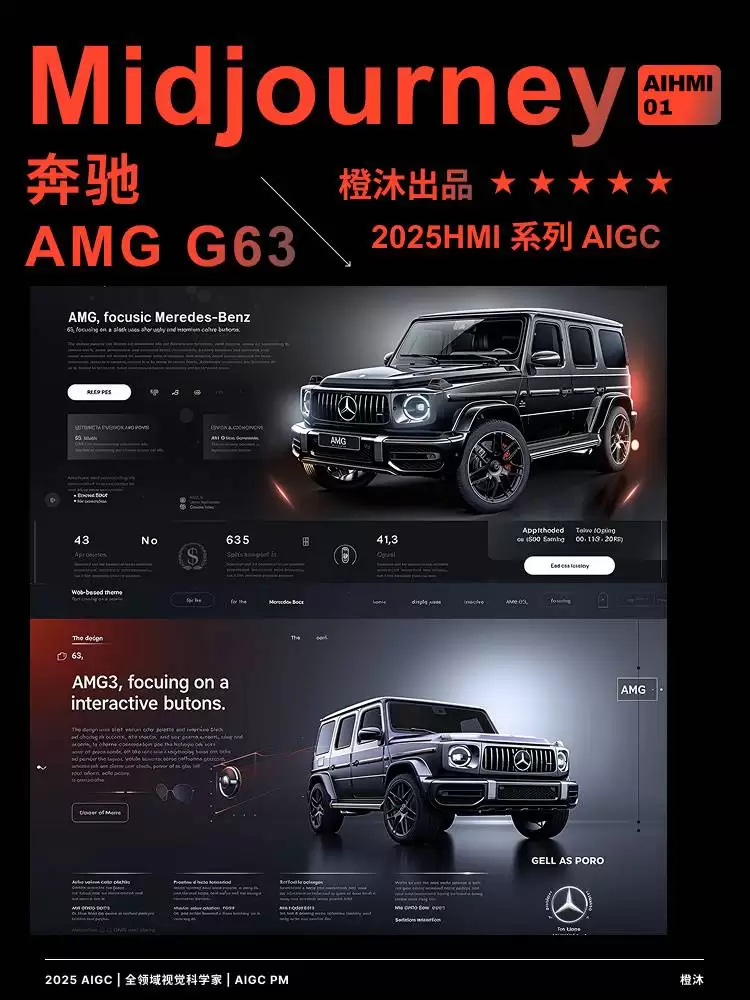
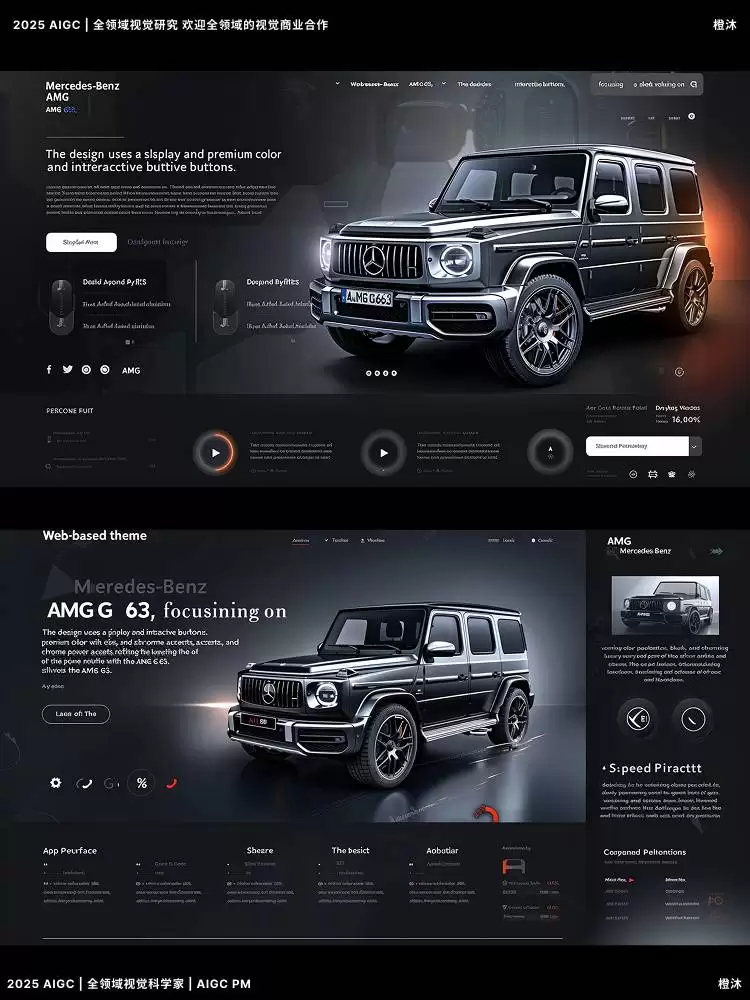
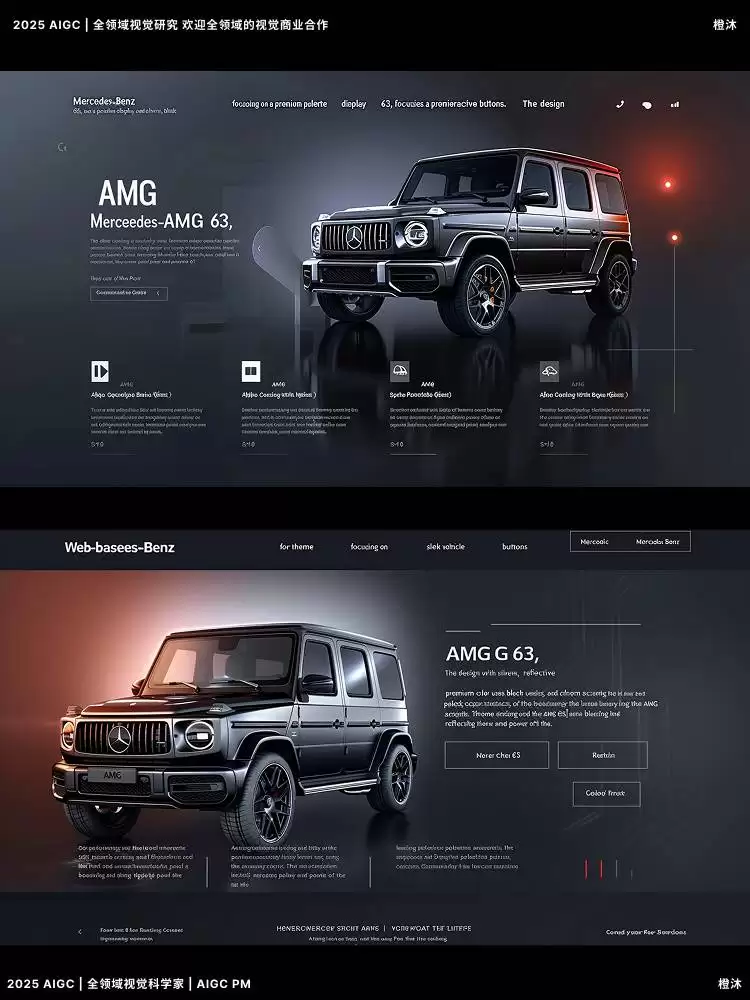
Web-based UI concept for the iconic Mercedes-Benz AMG G 63, centered on a premium vehicle showcase, interactive controls, and an immersive digital experience. The overall design highlights the luxury SUV’s strong identity through a refined interface language, making it suitable for automotive website design, car HMI inspiration, and high-end vehicle UI presentation. A sophisticated color palette of silver, black, and chrome accents reflects the luxury, performance, and commanding presence of the AMG G 63. The main vehicle display emphasizes the model’s signature styling and bold exterior details, while interactive buttons provide smooth, intuitive user interaction. Homepage/Introduction Screen: The homepage presents the AMG G 63 against layered premium gradients that transition from deep metallic tones to bright chrome finishes, reinforcing the vehicle’s luxurious and powerful image. Interactive buttons such as "Explore the AMG G 63", "View Features", and "Schedule a Test Drive" emit a soft glow, encouraging users to continue exploring the interface and vehicle content. Vehicle Display/360° View: A 360° interactive vehicle display allows users to rotate and inspect the Mercedes-Benz AMG G 63 from every angle, creating a strong immersive browsing experience. The background remains minimalist, using dark tones and chrome highlights to draw attention to key design elements including the front grille, wheels, body lines, and rugged proportions. Interactive zoom and rotate functions offer a closer look at the exterior design. Buttons such as "View Interior" and "Performance Specs" feature a subtle pulsing light effect on hover to enhance visual feedback. Customization Page: This section enables users to customize paint finishes, interior trim options, and wheel styles for the AMG G 63. A live preview updates the vehicle appearance in real time, with premium color selections including Matte Black, Iridium Silver, and Obsidian Black. Smooth sliders and clear option controls improve usability, while glowing buttons like "Apply Customization" or "Sa ve Configuration" guide users through each personalization step. Performance Page: The performance section showcases key AMG G 63 specifications such as horsepower, top speed, and acceleration data. Animated charts, icons, and responsive visual modules highlight performance features, while dynamic gradient backgrounds shift subtly as users scroll through the page. Interactive buttons including "Learn More" and "Compare with Other Models" further strengthen engagement and content discoverability. Booking and Contact Page: Users can schedule a test drive or contact Mercedes-Benz directly through this page. High-quality AMG G 63 imagery is combined with glowing action buttons such as "Get in Touch" and "Locate a Dealer", making the process streamlined, premium, and user-friendly. Across the full experience, fluid animations and smooth transitions help create a responsive, elegant, and luxury-focused automotive web interface that accurately reflects the elite positioning of the Mercedes-Benz AMG G 63. --v 6.0 --ar 128:71




研究过程或许难免枯燥而漫长,但当成果真正绽放的那一刻,所呈现出的汽车设计美感与技术价值,终将成为令人着迷的风景。


