
训练神经网络时,最理想的状态是让模型具备良好的“通用性”——既能准确捕捉训练数据中的规律,又不会过度记忆导致对新样本的适应能力下降。换句话说,模型需要在未见数据上也保持出色的表现。避免过拟合的方法有很多,其中**数据增强**是相当常用且有效的一种。所谓数据增强,本质上是通过扩展训练数据量,让模型接触更多样的样本,从而学习到更泛化的特征。那么,“更多样”具体体现在哪些方面呢?本文聚焦于图像领域,系统梳理主流的图片数据增强策略,并配合 PyTorch 代码进行实操演示。
既然是讲数据增强,一张图就能说明问题。先来看看可视化辅助函数如何搭建:
import PIL.Image as Imageimport torchfrom torchvision import transformsimport matplotlib.pyplot as pltimport numpy as npimport warnings
def imshow(img_path, transform): """ Function to show data augmentation Param img_path: path of the image Param transform: data augmentation technique to apply """ img = Image.open(img_path) fig, ax = plt.subplots(1, 2, figsize=(15, 4)) ax[0].set_title(f'Original image {img.size}') ax[0].imshow(img) img = transform(img) ax[1].set_title(f'Transformed image {img.size}') ax[1].imshow(img)
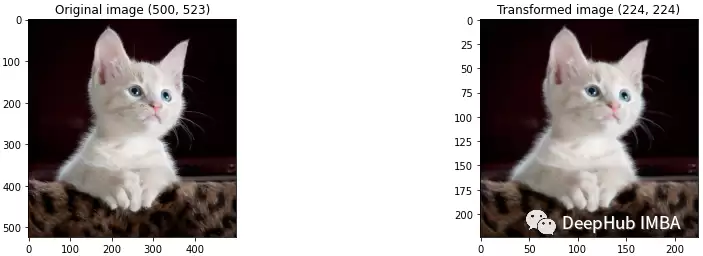
Resize/Rescale —— 这个操作用于将图片的高度和宽度统一调整为指定尺寸。例如,下面的代码演示了如何将原始图片缩放至 224×224:
path = './kitten.jpeg'transform = transforms.Resize((224, 224))imshow(path, transform)
Cropping
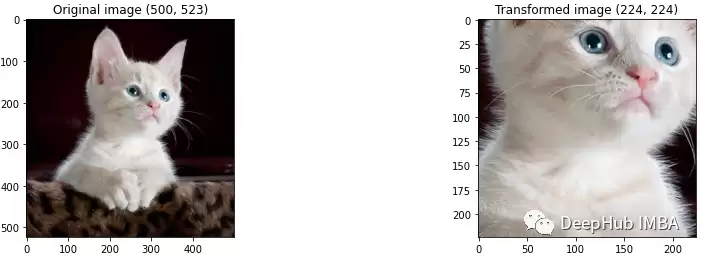
裁剪是指仅保留原图的某一部分作为新图像。比如使用 CenterCrop 可以获取图像中心的指定区域:
transform = transforms.CenterCrop((224, 224))imshow(path, transform)
RandomResizedCrop
该操作将裁剪与缩放合并为一步:
transform = transforms.RandomResizedCrop((100, 300))imshow(path, transform)
Flipping
水平或垂直翻转图像,下面演示一次水平翻转的效果:
transform = transforms.RandomHorizontalFlip()imshow(path, transform)
Padding
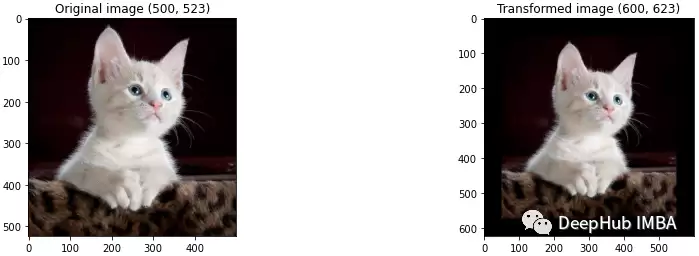
填充是指在图像四周按指定像素数进行扩展。例如,每条边各增加50像素:
transform = transforms.Pad((50,50,50,50))imshow(path, transform)
Rotation
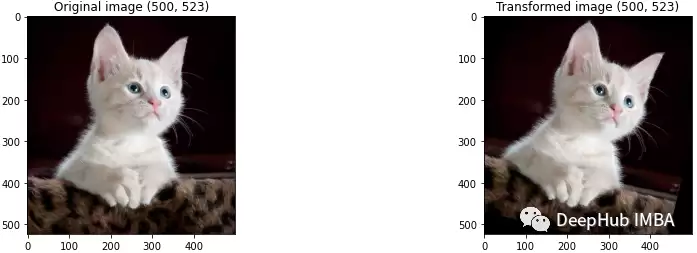
随机旋转一定角度,这里设置为15度:
transform = transforms.RandomRotation(15)imshow(path, transform)
Random Affine
这是一种保持中心不变的仿射变换,涉及几个关键参数:degrees:旋转角度;translate:水平和垂直位移;scale:缩放因子;share:裁剪参数;fillcolor:填充区域的颜色。具体用法如下:
transform = transforms.RandomAffine(1, translate=(0.5, 0.5), scale=(1, 1), shear=(1,1), fillcolor=(256,256,256))imshow(path, transform)
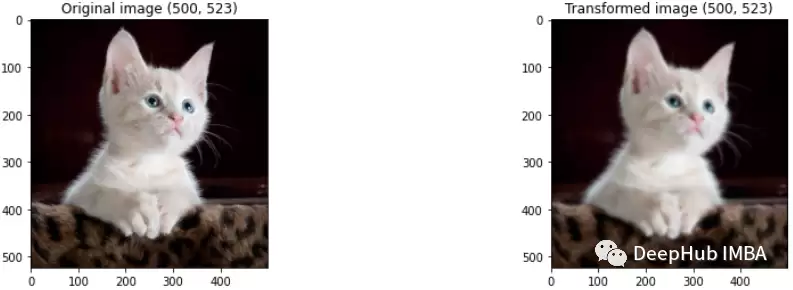
Gaussian Blur
对图像施加高斯模糊,核大小与 sigma 均可调节:
transform = transforms.GaussianBlur(7, 3)imshow(path, transform)
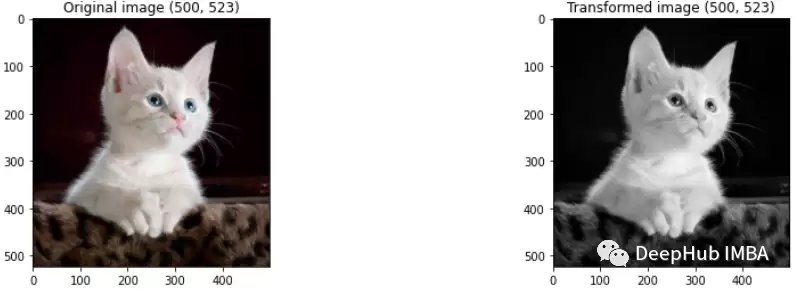
Grayscale
将彩色图像转换为灰度图:
transform = transforms.Grayscale(num_output_channels=3)imshow(path, transform)
接下来要介绍的是颜色增强,也称颜色抖动,其核心是通过调整像素值来改变图像的颜色属性。以下方法均围绕颜色变换展开。
Brightness
调节亮度,可使图像变得比原图更亮或更暗:
transform = transforms.ColorJitter(brightness=2)imshow(path, transform)
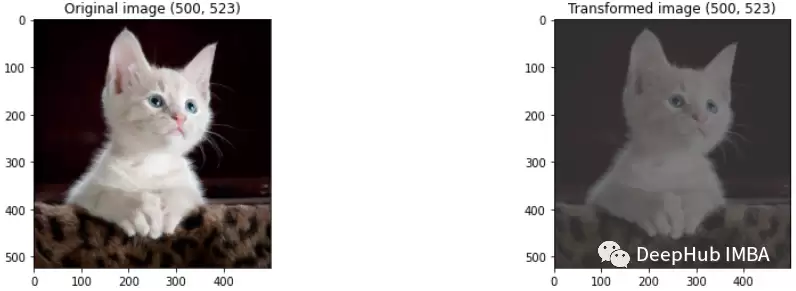
Contrast
对比度控制图像最暗与最亮区域的差异程度,同样可作为增强手段:
transform = transforms.ColorJitter(contrast=2)imshow(path, transform)
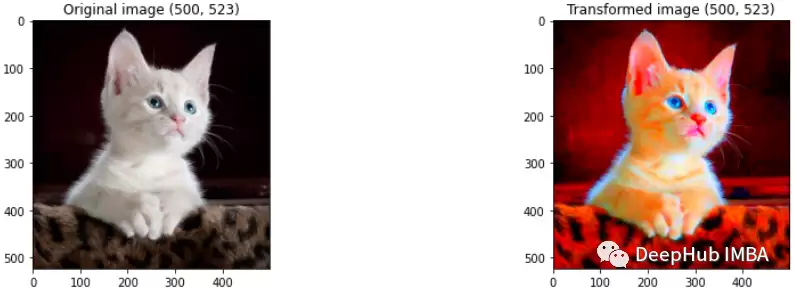
Saturation
饱和度衡量颜色的分离程度,数值越大颜色越鲜艳:
transform = transforms.ColorJitter(saturation=20)imshow(path, transform)
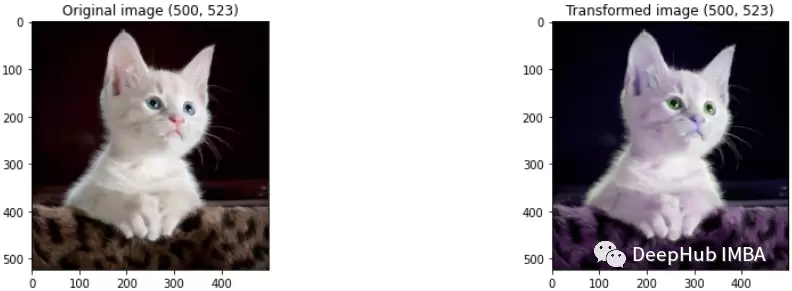
Hue
色调直接改变图像中颜色的基调:
transform = transforms.ColorJitter(hue=2)imshow(path, transform)
总结
总而言之,对图像施加多样化的变换操作,能够有效帮助模型在未见数据上实现更稳定的泛化,从而避免陷入对训练集的过拟合。数据增强并非高深莫测的秘技,但合理运用确实能大幅提升模型的鲁棒性与实际表现。