
背景与实现思路:
实现思路非常直观高效:在数据列表底部放置一个“加载提示”元素,一旦该元素进入视口,即自动触发接口请求,将新数据追加到现有数据后方。加载元素随之被新数据推向下一个位置,如此循环往复,从而实现无缝的无限滚动加载体验。
在传统 Angular 实现中,通常借助指令(Directive)的 ngAfterViewInit() 生命周期钩子监听元素出现,随后发射事件让宿主组件执行加载回调。然而,当数据采用异步加载时,ngAfterViewInit 触发时元素可能尚未完全初始化,极易引发 Bug。转而使用 ngAfterViewChecked() 虽能保证稳定性,但每次变更检测都会触发该钩子,导致性能开销显著增加,应用负载明显上升。
因此,推荐直接采用 Intersection Observer API——HTML5 提供的原生观察器。它能够异步检测目标元素与祖先元素(或顶级文档视口)的交叉状态变化,本质上是浏览器底层支持的高效观察机制,性能表现优异。
来看实际效果:为了精确捕捉加载瞬间的状态,我在数据加载函数中特意添加了 1 秒的延迟模拟。
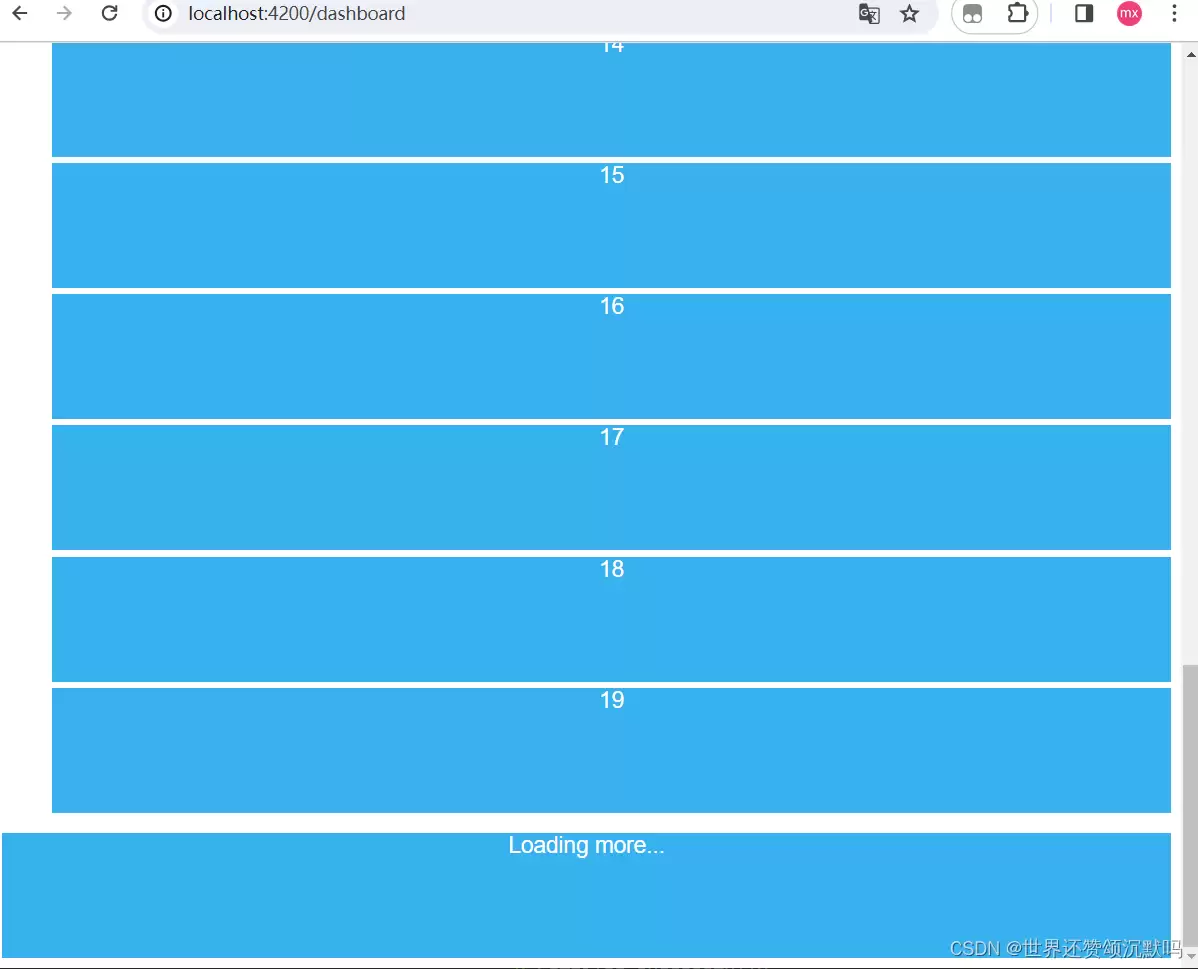
直接奉上完整实现代码。
watch-to-view.directive.ts
import { Directive, Output,EventEmitter, ElementRef } from '@angular/core';
@Directive({
  selector: '[appWatchToView]'
})
export class WatchToViewDirective {
  private observer:IntersectionObserver;
  @Output() appWatchToView = new EventEmitter();
  constructor(public el:ElementRef) {
    this.observer = new IntersectionObserver(this.callback,{rootMargin:'100px',threshold:1,root:null});
    this.observer.observe(el.nativeElement);
   }
  public callback = (entries: IntersectionObserverEntry[]) => {
    entries.forEach((entry: IntersectionObserverEntry) => {
      if (entry.isIntersecting) {
        this.appWatchToView.emit(entry);
      }
    })
  }
}
app.component.html
- {{i}}
Loading more...
app.component.ts
import { Component } from '@angular/core';
@Component({
  selector: 'app-root',
  templateUrl: './app.component.html',
  styleUrls: ['./app.component.css']
})
export class AppComponent {
  title = "Tour of Herors";
  batch:Number = 10;
  len:Number = this.batch;
  data:Array=new Array(this.batch).fill(0).map((_,i)=>i);
  loadObserver = async function (event){
    console.log(event.target);
    await new Promise(resolve => setTimeout(resolve, 1000));
    this.data.push(...new Array(this.batch).fill(0).map((_,i)=>i+this.len));
    this.len+=this.batch;
  }
}
配套样式代码也一并给出:
  .blueBox{
    display: block;
    width: 100%;
    height: 100px;
    background-color: #38b1ee;
    margin-top: 5px;
    text-align: center;
    color: white;
    font-size: large;
  }
官方文档:https://developer.mozilla.org/zh-CN/docs/Web/API/Intersection_Observer_API


